
Titles in capitals look like shouting and break Google's editorial rules; titles in lowercase look careless. Modify text sets the case for the whole catalog.
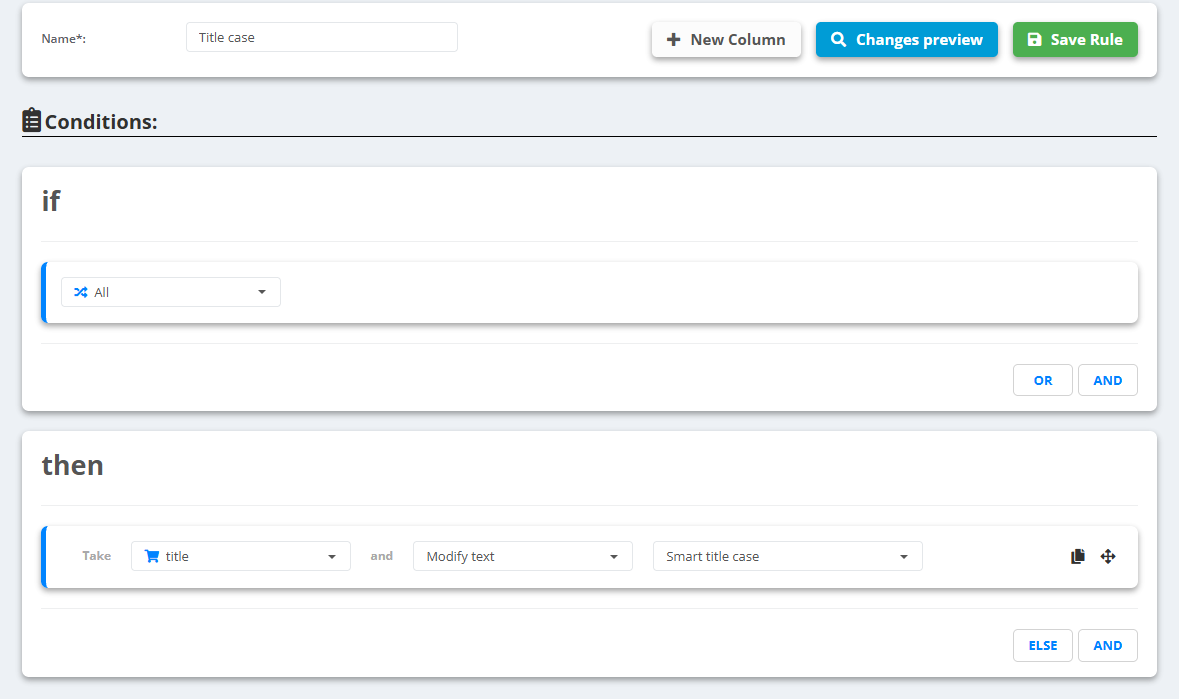
- Open the data source, go to Rules and create a new rule - for example “Title case”.
- Under then pick title, choose Modify text and one of the options:
- Smart title case - for titles with words in capitals; abbreviations stay as they are.
- Capitalize first character per word, Capitalize only first character, Lowercase all words or Uppercase all words - for a fixed style.
- Check Changes preview, then Save Rule.
Example
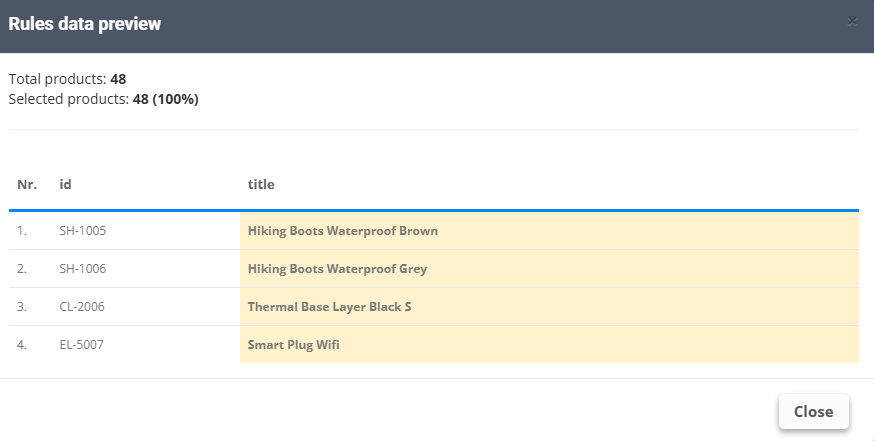
- Before:
HIKING BOOTS WATERPROOF BROWN→ Smart title case:Hiking Boots Waterproof Brown - Want sentence case? Two rules in this order: Lowercase all words, then Capitalize only first character -
Hiking boots waterproof brown
Remove whitespaces, Remove line breaks and Remove seller codes sit in the same list - handy for messy supplier titles.