
Lifestyle images · New
Every product, photographed in real life.
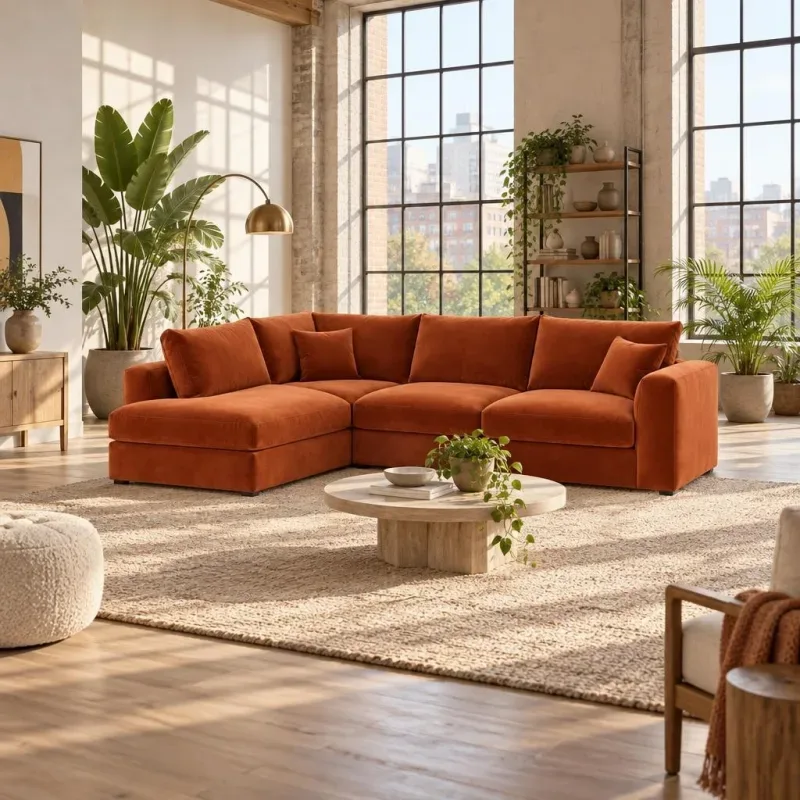
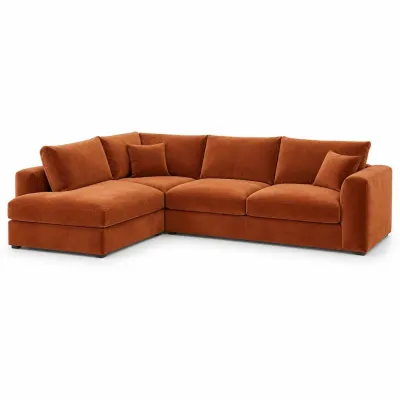 Your feed photo
Each product’s own photo, placed in a real setting - the product stays exactly as it is. For your whole catalog, by itself.
- 100 pictures free
- Previews always free
- Pay only for pictures that pass the check
Your product stays your product
A new place. The same product.
The setting is new - the product stays as it is. Every picture is checked against your photo before it reaches the feed: the product is found in the picture, zoomed in and compared. If anything changed, it is drawn again. After three tries the product simply keeps its own photo.
Kept as in your photo
- Shape and proportions
- Colours and materials
- Every printed word and number
- Nothing added - no logos, no writing
Drawn again if it finds
- A different product
- Changed text or numbers
- Added writing or a watermark
- A bent or broken product
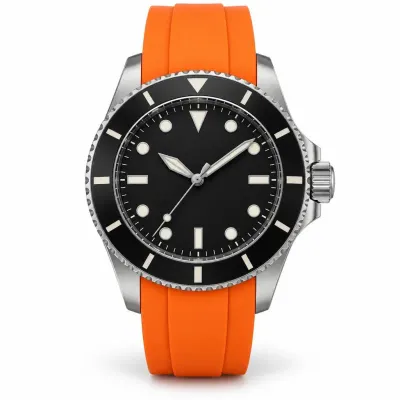
Close-up the check compares
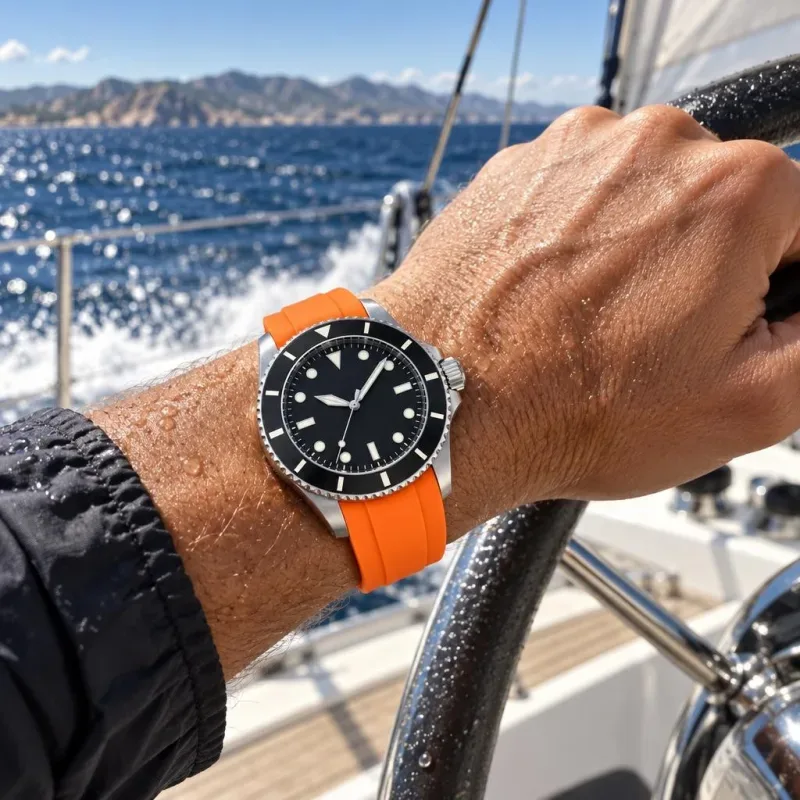
Prompt library
145 ready-made scenes. Or describe your own.
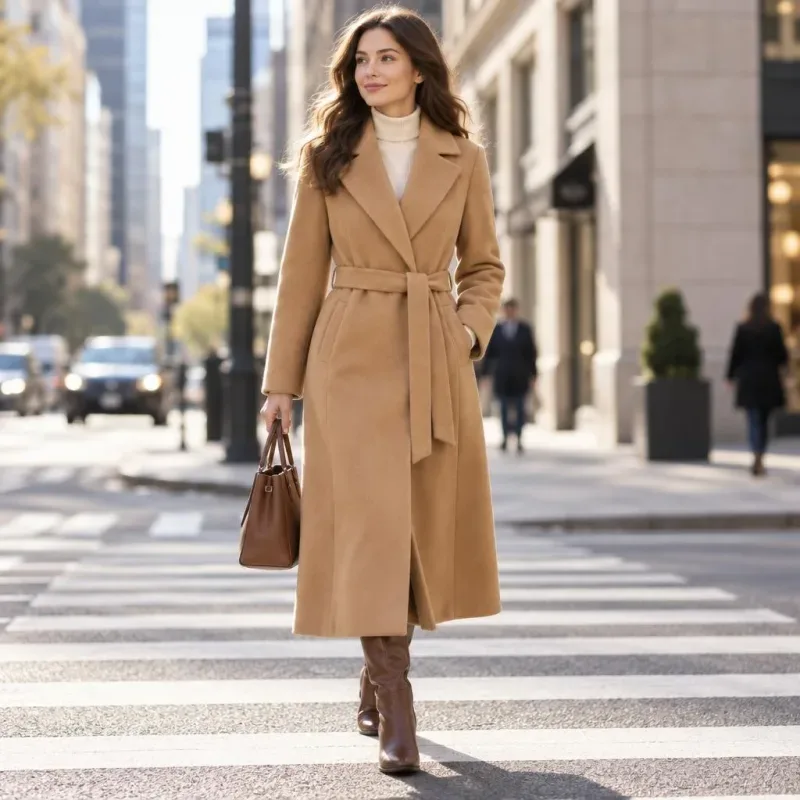
Every picture here was made by Lifestyle images from the product photo in its corner and the prompt you can open - nothing retouched by hand. The same library is in the app: pick a scene for a category, or write your own in a sentence. The products are invented for the examples.
Up to 5 pictures per product
One product. Every shot you need.
Close-up, the whole room, from above, at golden hour, in someone’s hands - give each picture its own prompt and its own size. Each row below starts from one product photo; only the request changed.
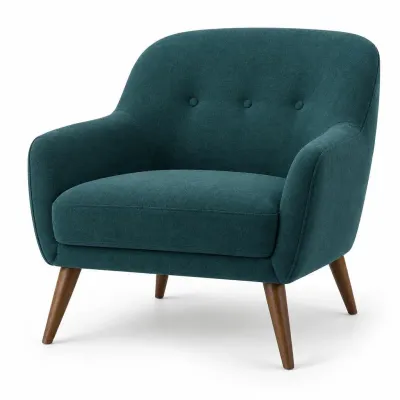
The feed photo
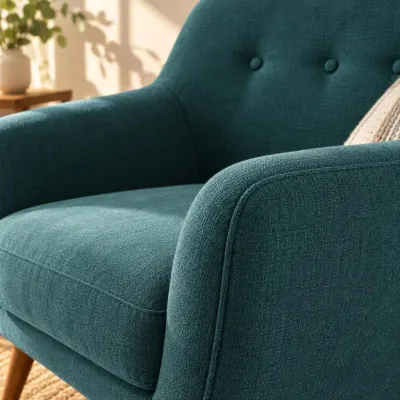
Close-up
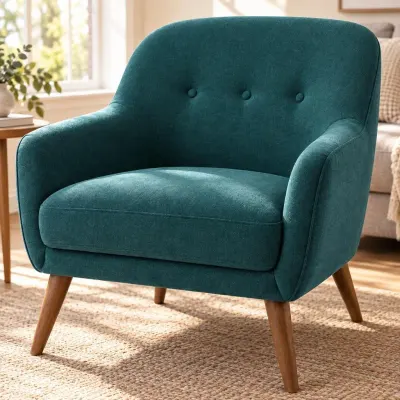
From close
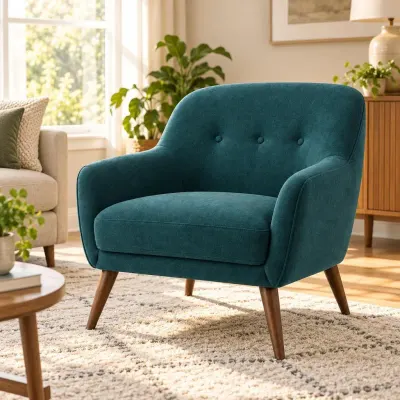
Eye level
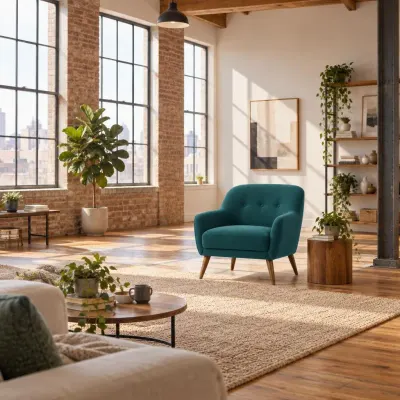
From far away
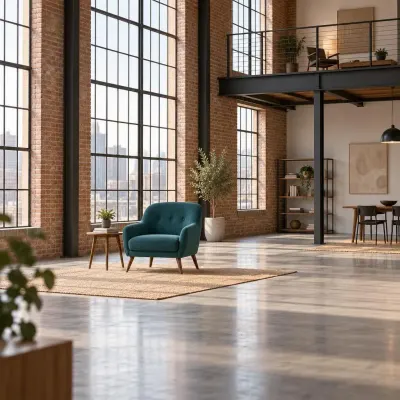
Very far away
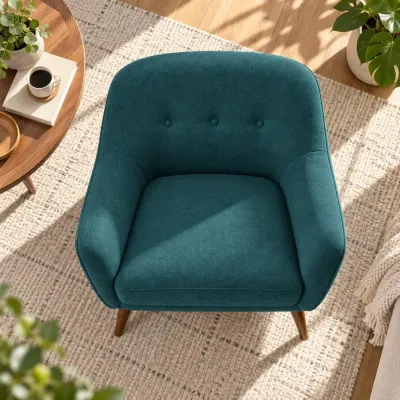
From above
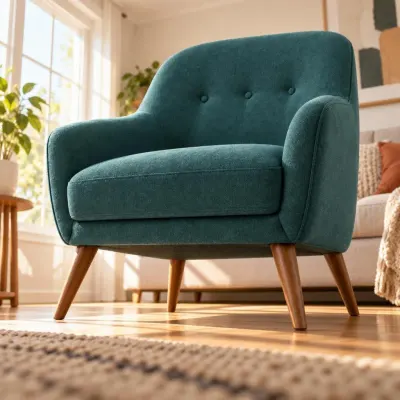
From a low angle
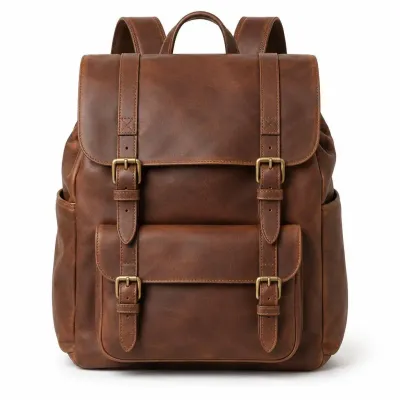
The feed photo
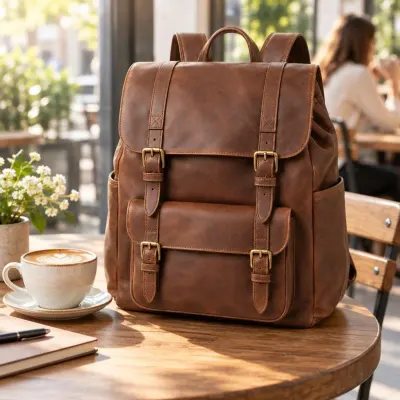
Morning sun
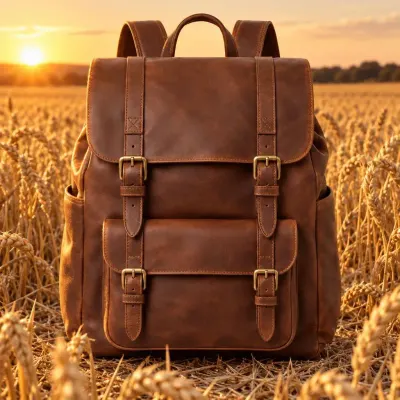
Golden hour
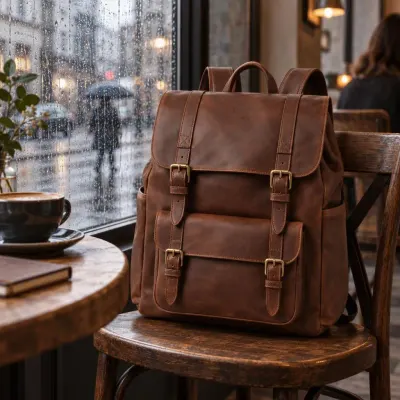
Rainy day
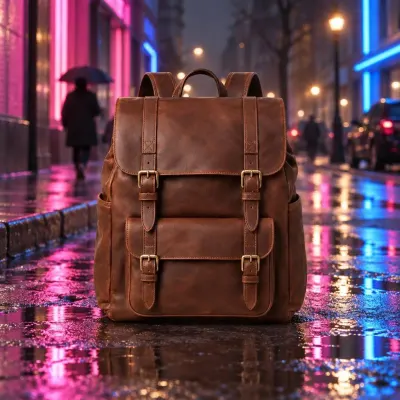
Neon night
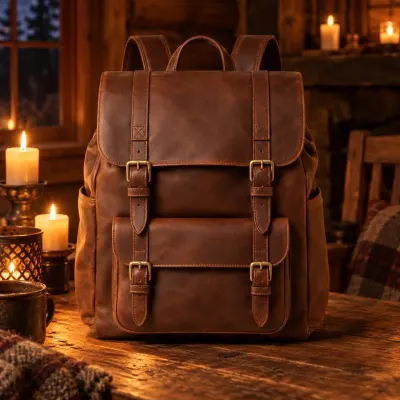
Candlelight

Snowy daylight
How it works
Set it up once. It keeps going.
Pick the catalog
Choose the data source and the products - all of them, or a filter: a category, a brand, only new arrivals. The product photo always comes from your feed.
Category is Furniture
Choose the scenes
One row per group of products: a scene from the library, your own words, or Auto - the AI picks a fitting place for each product.
Sofas → Sunny loft · Everything else → Auto
See it for free
Generate previews on your own products before anything is paid. Change a scene, try another product, try again.
Previews are always free
Switch it on
The whole catalog is drawn in the background and written to your feed. New and changed products are drawn after every feed update - nothing to repeat.
Ready for Google Shopping and Meta
Where the pictures go
Straight into the feed. Your main photo stays.
Lifestyle pictures go into their own feed field, one per line. The product’s main photo is never replaced - Google wants that one to show the product alone - so the lifestyle shots travel next to it, as extra images.
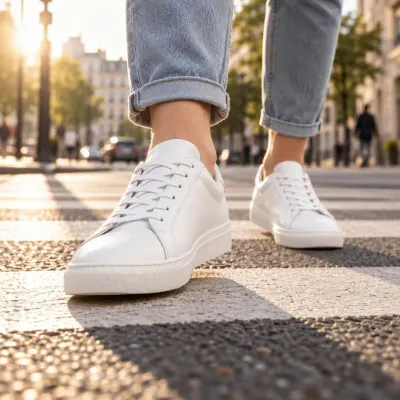 1:1
1:1
Google Shopping
Google’s own field for lifestyle photos - up to 5 per product, 1:1 or 4:5.
lifestyle_image_link 4:5
4:5
Meta catalog ads
Catalog, carousel and Advantage+ ads on Facebook and Instagram - 1:1 or 4:5.
additional images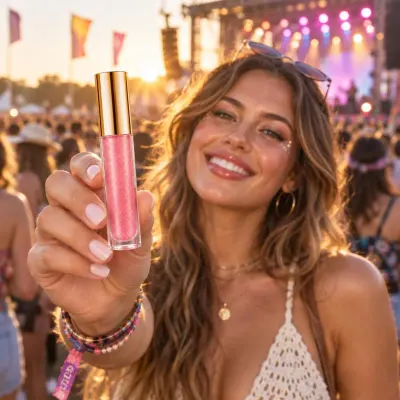 9:16
9:16Stories & Reels
A tall picture made for full-screen placements. Google does not accept 9:16, Meta does.
9:16Layers
Add the price. Keep it up to date.
Switch on Layers and put a price, a discount badge, a line of text or your logo on top of each lifestyle picture - the same editor as Image Creative Studio. When a price changes, only the layer is drawn again: no AI, no cost.
- Price and sale price from the feed
- Badges, text and your logo
- Re-made for free when the price changes
 -20%
-20%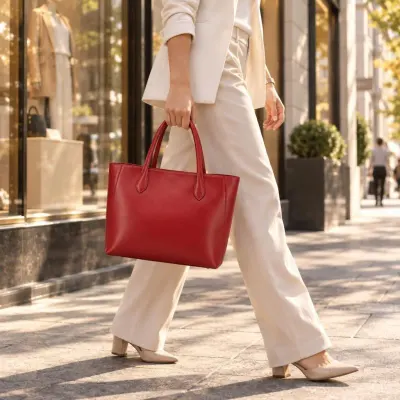 MARLO
MARLO
New price in the feedonly the layer is re-made · no AI · €0
Pricing
Pay per picture. Only for good ones.
€0.05 for each picture that passes the check. Previews, rejected tries and our own mistakes cost nothing, and every account starts with 100 pictures free. No extra monthly fee for the module.
Always free
- Previews
- Pictures that fail the check
- Redraws when the product came out wrong
- The first 100 pictures
Pictures per product
- Pictures
- 2,000
- Free to start
- −100
- The whole catalog, once
- €95
€0.05 per picture that passes the check. After this, only new and changed products are drawn - a price change costs nothing.
You stay in control
No surprises on the bill.
A spending limit
Set a monthly limit per template. Drawing pauses when it is reached and continues on the 1st.
open-ended
Feeds never stop
A reserve for your feeds always stays in the balance. Lifestyle images pauses first - your feeds keep running.
everything stops
Easy to undo
Switch the template off and the products go back to their own photos in the next export.
clean-up by hand
Mistakes are on us
If a product came out different or its text changed, ask for a redraw - free. Only “I just want another picture” is paid.
paid again
FAQ
Lifestyle images questions
Does the AI change my product?
No - that is the one thing it must not do. The product is kept as in your photo: its shape, colours, materials and every printed word and number. Each picture is checked against the original before it goes to the feed, and a picture that fails is drawn again. After three tries the product keeps its own photo.
Where does the product photo come from?
From your feed - the image field you choose in the template, always the original photo. Products whose photo already shows them in use, and very small photos, are skipped automatically.
Is my main product image replaced?
Never. Lifestyle pictures go into a separate field, one per line. Google requires the main image to show the product on its own, so it stays exactly as it is.
Which channels can use the pictures?
Google Shopping through the lifestyle_image_link field, Microsoft Ads, and Meta catalog ads on Facebook and Instagram as extra images. 1:1 and 4:5 work for Google and Meta; 9:16 is for Meta Stories and Reels.
Can I write my own scene?
Yes. Describe the place in a sentence, or upload an example photo of a room you like and every product in that row is placed in a room like it. You can also ask for a transparent background and get the product alone, as a PNG.
Can I add the price or my logo?
Yes, with Layers - price, discount badge, text and logo on top of the lifestyle picture. Prompts that ask the AI to write text, logos or prices are refused on purpose: on a layer they stay sharp and update by themselves.
What happens when I add products or a price changes?
New and changed product photos are drawn after the next feed update. A price change only re-makes the Layers overlay, which costs nothing. Pictures that are already drawn are reused for free.
How much does it cost?
€0.05 per picture that passes the quality check, with the first 100 free. Previews, failed tries and redraws of our mistakes are free, and you can set a monthly spending limit for each template.
See your products in real life.
Start the 30-day trial, connect your catalog and generate free previews on your own products - the first 100 pictures are on us.
No credit card · No contracts · Setup included · 30 days free