
The AI-Optimized Feed is a data source type. It reads products from another data source, optimizes them and keeps the result as its own catalog - the original stays untouched. Part of the AI Optimizer module.
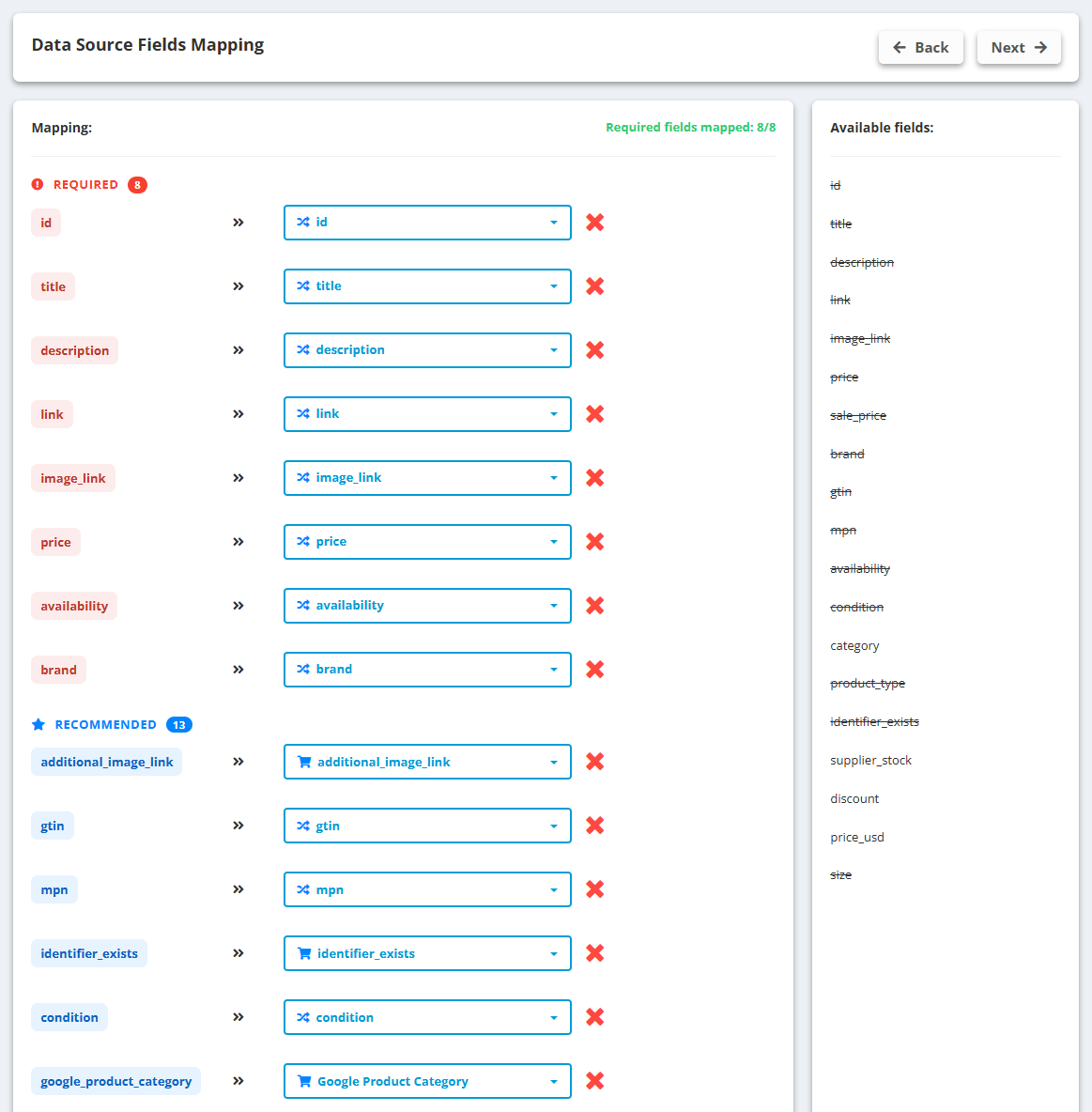
- Go to Data Sources → Create New Data Source → AI-Optimized Feed.
- Pick the source data source and check the Field Mapping - required, recommended and optional Shopping fields are matched automatically; fix anything wrong.
- Switch on the Optimization options you want: Optimize titles, Optimize descriptions, Generate product highlights, Add missing attributes, Fill Google product category, Normalize attribute values, Translate feed content (with the target language).
- Click Generate preview - a sample of 10 products before and after, with the Feed Quality Score for both.
- Happy with the preview? Save. The full catalog is processed in the background - for large catalogs this takes hours the first time.
Good to know
- Only products whose relevant content changed are optimized again on later updates; prices and stock are refreshed every time.
- Google product category is chosen from a shortlist of Google’s official taxonomy - never invented.
- The Feed Quality Score (0-100) measures required fields, recommended attributes and what the AI improved. It is deterministic, not an AI opinion.