
A connected AI works in the modules your account has, the same as you in the app. Ask in plain words; it shows you what it found or what it will change.
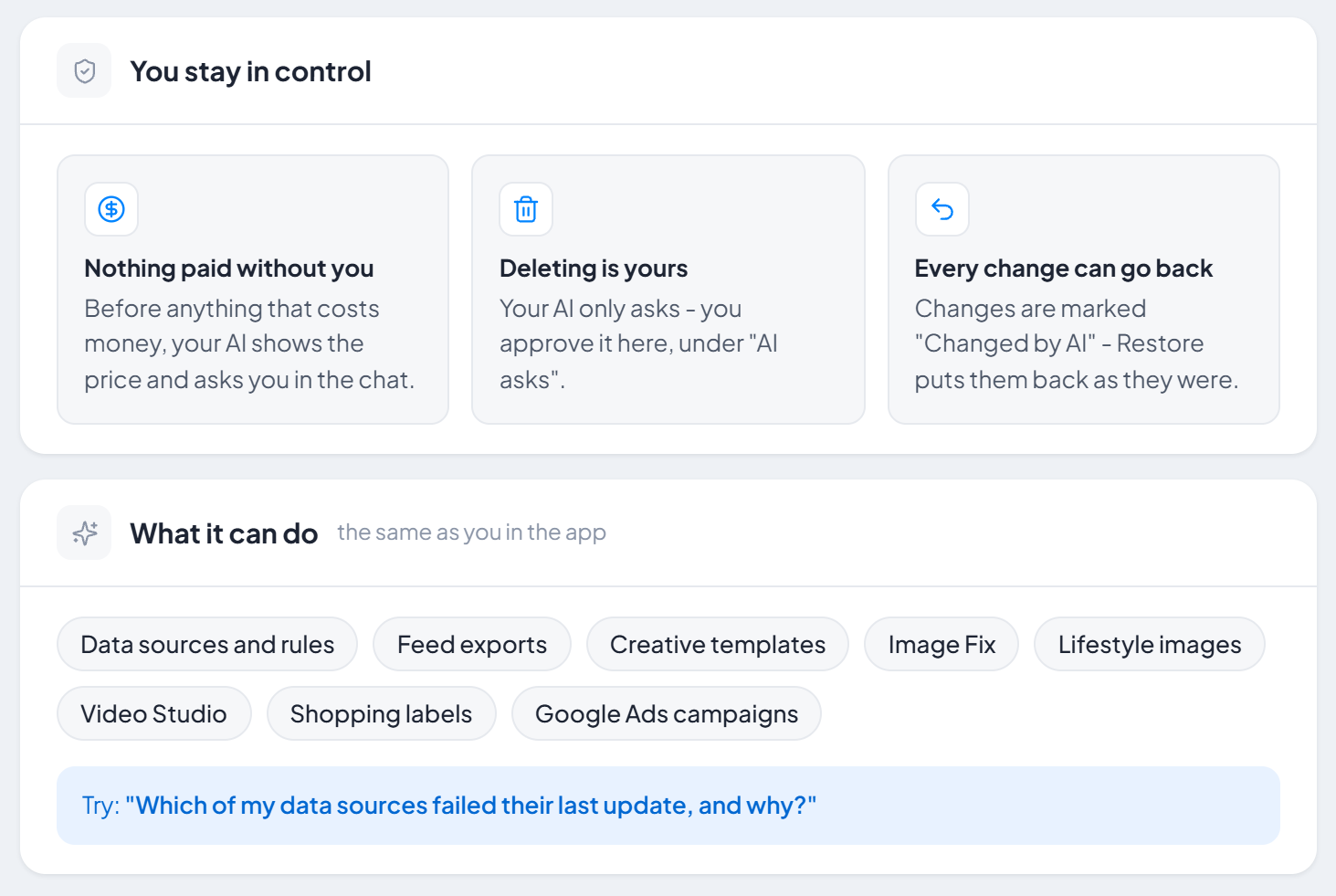
Data sources and rules
List sources and their status, add a new source, change its settings, rules, mapping, categories and schedule, start an update, search products and check a feed.
- "Which of my data sources failed their last update, and why?"
- "Which products in my feed are missing a GTIN?"
- "In data source Shop feed, add a rule: if the title contains 'sale', set custom_label_0 to 'promo'. Show me a preview first."
How rules work: Create your first rule.
Feed exports
Create, change and preview exports, set their schedule and get the link for the channel.
- "Create a Meta catalog export from Shop feed and give me its link."
Images: Creative, Image Fix and Lifestyle
Make and change Creative, Image Fix and Lifestyle templates, preview them, switch them on and run them. A Creative design you already use is the one exception: your AI suggests the change, and it takes effect when you press Apply.
- "Create a Black Friday image template for my products with a red price badge and show me a preview."
- "How much would lifestyle pictures for my 20 sofas cost? Do not start yet."
More: Creative Editor, Image Fix, Lifestyle images.
Video Studio
Templates, scenes, voice-over, music and render.
- "Make a 15-second video of my new arrivals with a voice-over and show me the scenes first."
Shopping labels and Google Ads campaigns
Set up labels and their schedule; build Google Ads campaign structures, preview them, check the keywords and upload them.
- "Build a Search campaign structure from my feed and check whether its keywords get searched - do not upload yet."
More: Shopping Labels, Search campaigns.
Agencies: several accounts
If you manage other accounts in PPCDATAFEED, your AI can work in them too, for as long as you manage them. Name the account in your request: "In the account Demo Store, list the feed exports." See managed accounts.
Your AI cannot manage your users, see invoices or payment details, or change billing. What it reads is sent to its provider (Anthropic or OpenAI) - see our Privacy Policy.
Next steps
Need help? Contact us.