
The builder creates one ad group per product (or per product group), with keywords and responsive search ads generated from your fields, in your own Google Ads account. It needs a Google Ads login in Integrations and an updated data source.
- Go to Campaigns → Create New Inventory Campaign → Search campaign.
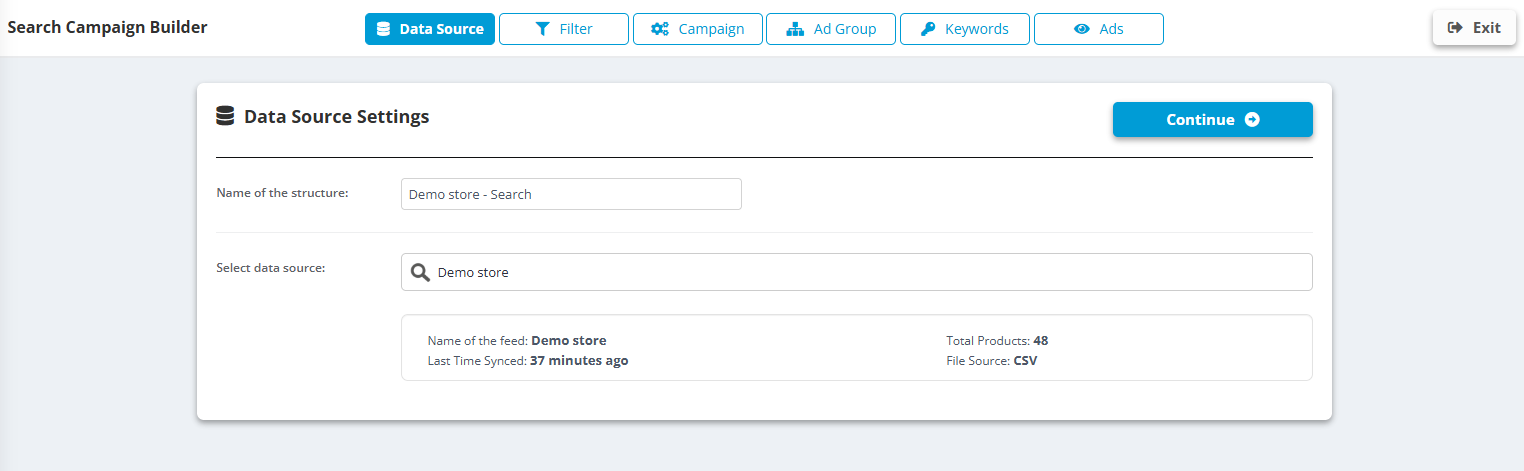
- Data Source: name the structure and pick the data source. Click Continue.
- Filter: which products get ads - the same conditions as everywhere else, with a FILTER PREVIEW.
- Campaign: Create new campaign or Choose existing campaign; name, Locations, Languages, Budget and bidding (Bidding strategy).
- Ad Group: the Ad group name template (for example
{brand} {model}), Keyword combination and Match types, Composition of keywords, Keyword shortening, Reduce keywords, Remove duplicated keywords, optional Keyword level URL. - Ads: Create new RSA template - up to 15 Headlines (30 characters) and 4 Descriptions (90 characters) built from fields, plus the Final URL. Symbols that break ads can be replaced automatically.
- Structure Preview: see the ad groups, keywords and ads before anything is uploaded. Then upload and set the Schedule.
How it stays in sync
- On every scheduled run the structure is rebuilt from the feed: new products get ad groups, products that left the feed (sold out, filtered) are paused, changed prices update the ads.
- Everything the builder creates carries the IC label. Ad groups, keywords and ads without it are never touched - your manual work is safe.