
Optimization Tool in the menu opens the Optimization & Automation Tool: one list of your Google Ads accounts, each with its own budget rules. It is meant for advertisers and agencies who manage several accounts and want budgets watched by rules rather than by hand.
Where to find it
- Open Optimization Tool in the left menu.
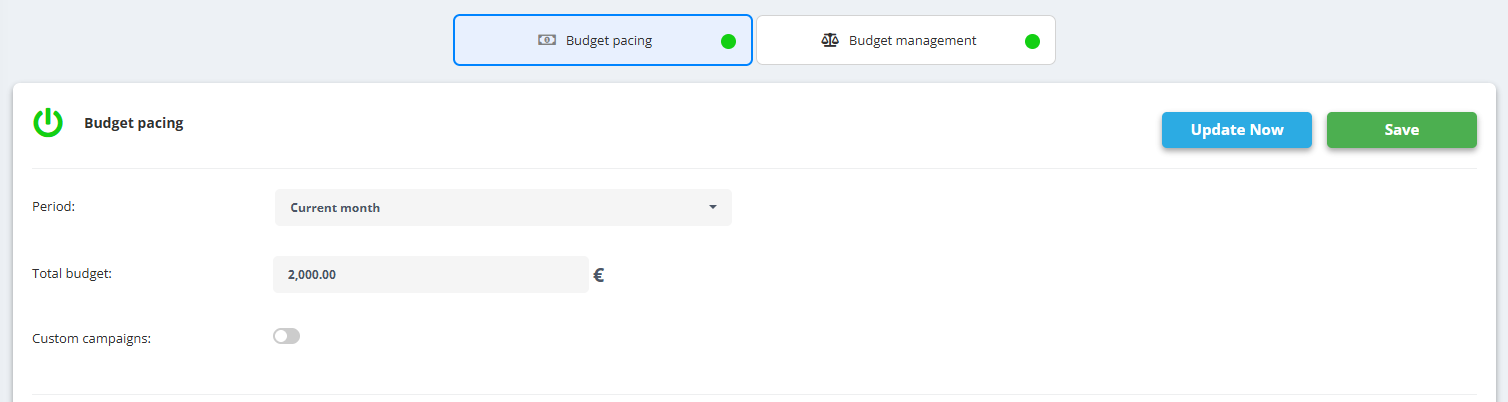
- Every account has two tabs: Budget Management and Budget Pacing, each with its own rules.
- The list shows the state of every account - for example No rules created, No active rules, Budget ended or Not updated.
First steps
- Connect your Google Ads login first - see Link Google Ads, Merchant Center, Analytics and Drive.
- Open Optimization Tool, find the account (Search account..) and open its Budget Management or Budget Pacing tab.
- Create the rules for that account; the state in the list changes once rules exist.
The Budget Pacing view with linked accounts, spend so far and budget left is a separate menu item: Budget Pacing.