
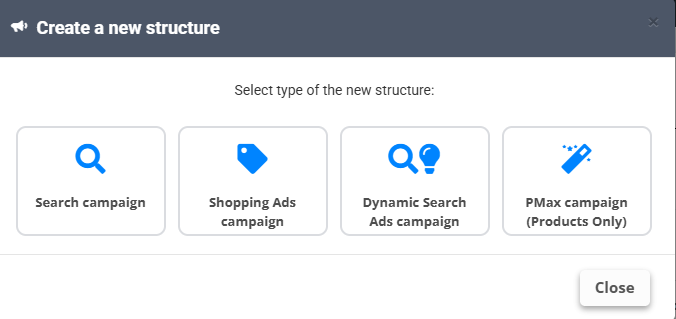
Shopping Ads campaign
- Needs a Merchant Center account linked in Integrations; pick it together with the Country of sale and Campaign priority.
- Split By builds the product-group hierarchy (brand → category → custom label…). RESET HIERARCHY starts over.
- Bidding: Target ROAS (%) is optional.
- Data sources with custom rules are not available for this builder - it works on the catalog as Merchant Center sees it.
PMax campaign (Products Only)
Performance Max with listing groups built from the feed: pick the Merchant Center account, name the Asset group, and use Split By to build the listing-group hierarchy, the same way as in the Shopping builder.
Dynamic Search Ads campaign
DSA ad groups with targets and a DSA ad template built from fields - Google writes the headline, you control the descriptions and the URL targets.
All builders end with a Structure Preview and run on a schedule like the Search builder. The Campaigns list shows clicks, impressions, cost, conversions and ROAS per structure - click Refresh Campaigns Statistics to update them.