
Team members
- Open Manage Access (your name in the top right).
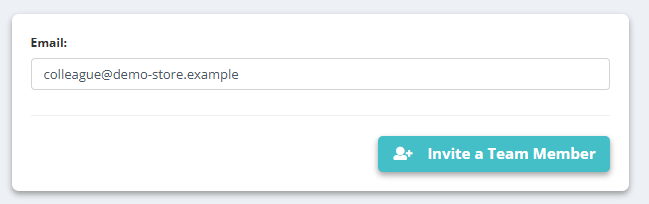
- Enter an Email and click Invite a Team Member. The invitation waits under Pending Invites until accepted (Resend Invitation if needed).
- The Account Owner is marked in the list. From the same page: Remove Access for a member, hand over ownership with Set as Owner, or Remove Yourself.
Managed accounts (agencies)
- Create a New Sub-Account creates a separate company account you manage: enter its name in Enter account / company: and click Create and Close.
- Grant Manager Access lets another account manage yours; the accounts listed under Granted Manager Access To: can do so. An invitation not yet accepted shows Invitation Pending to be Accepted.
- Your Managed Accounts: lists the accounts you can switch into from the top bar.
- Team Activity shows who changed what.
Only the account owner can (un)link members. If you see “you currently don't have permissions”, ask the owner.