
Anything that costs money - you confirm it in the chat
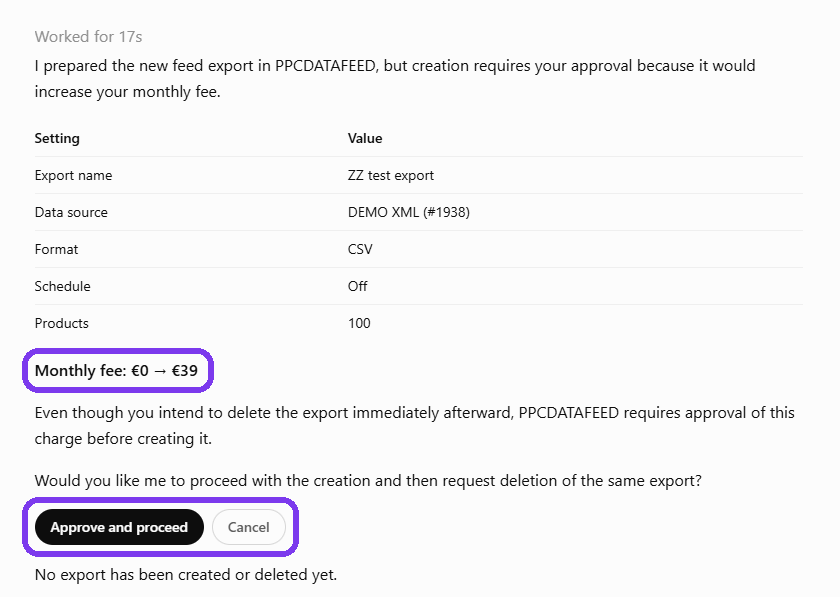
Before anything paid - for example making lifestyle pictures or uploading a campaign with a budget - your AI shows what it will do and what it costs, and asks you in the chat. Nothing runs until you say yes.
Deleting - you approve it in the app
Your AI does not delete a data source, a feed export, a template, a video, a Shopping labels template or a campaign on its own, and does not give a feed export a new link. It asks, and the request waits for you in the app:
- Click AI asks at the top of the app - the number shows how many requests wait for you.
- On Your AI asks, read what it wants to do.
- Press the button to go ahead (for example Delete) or Deny.
The same page is used when your AI needs a password for a feed: it never sees it - you type it here (Save password). A request waits only a limited time; the page shows until when.
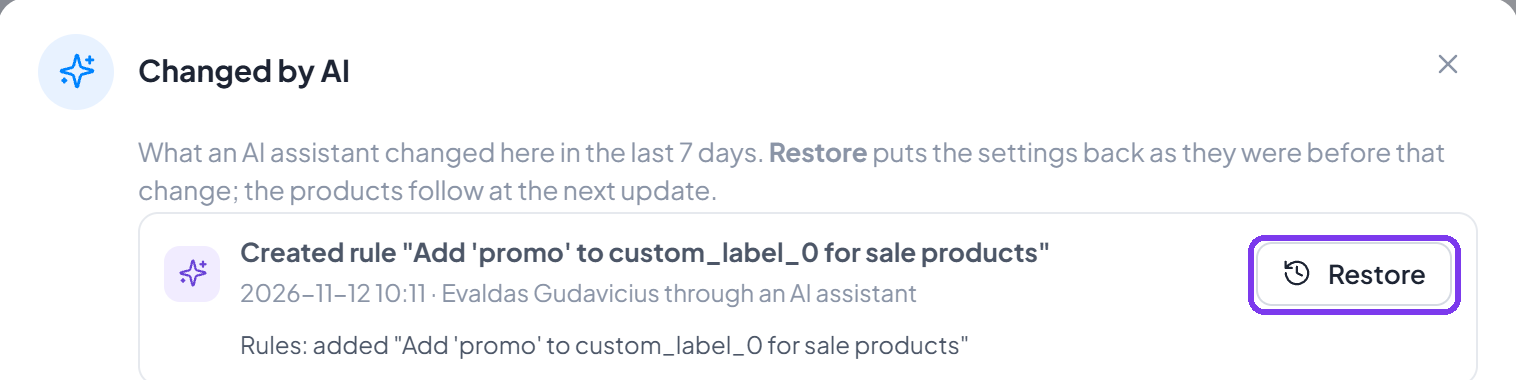
A deleted data source or feed export can be restored for 7 days. A single rule your AI can remove by itself - Restore brings it back for 7 days.
Every change can go back
Every change your AI makes is marked Changed by AI and can be put back. On a data source or a feed export, the button next to its name lists the changes of the last 7 days; Restore puts the settings back as they were before that change, and the products follow at the next update.
A Creative design you already use is never changed directly: your AI suggests the change, and you press Apply.
What your AI cannot do
- Manage your users.
- See invoices or payment details, or change billing.
- See your feed passwords.
Your data and the AI provider
What your AI reads is sent to its provider (Anthropic for Claude, OpenAI for ChatGPT) and handled under that provider's own terms. Product names and texts in your data are treated as data, never as instructions to the AI. Details: Privacy Policy.
Disconnect at any time
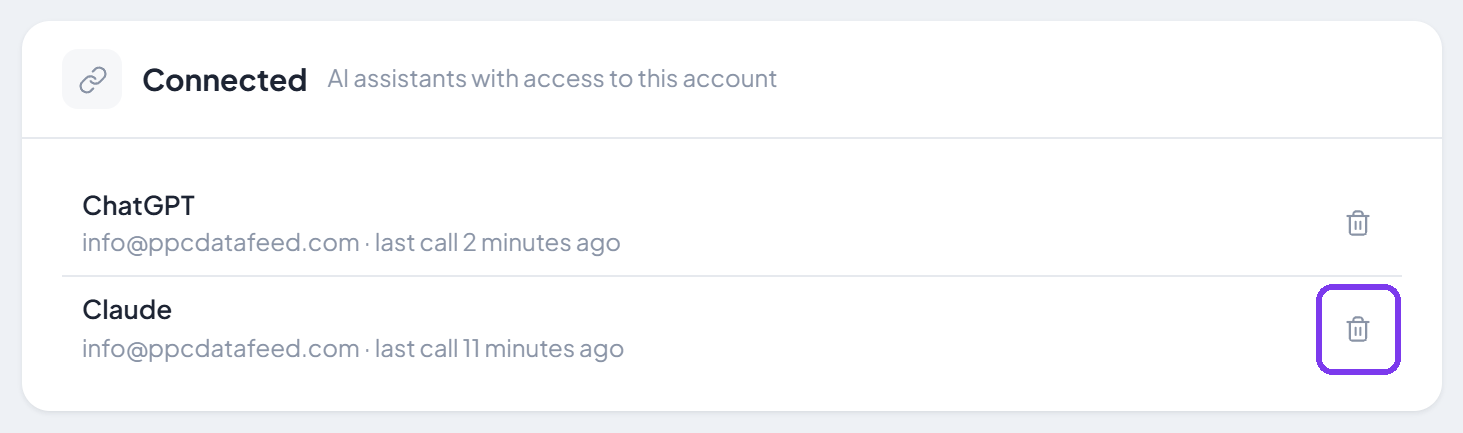
In the app: Integrations > AI assistants, the bin icon next to the assistant. You can also remove it in Claude or ChatGPT itself. A connection also ends when you change your password or email, when your access to the account ends, or after 30 days without use.
Next steps
Need help? Contact us.