
All four need a login in Integrations first (Google Drive for Sheets, Merchant Center or Google Ads for the rest). Then create the data source and pick the login on the screen.
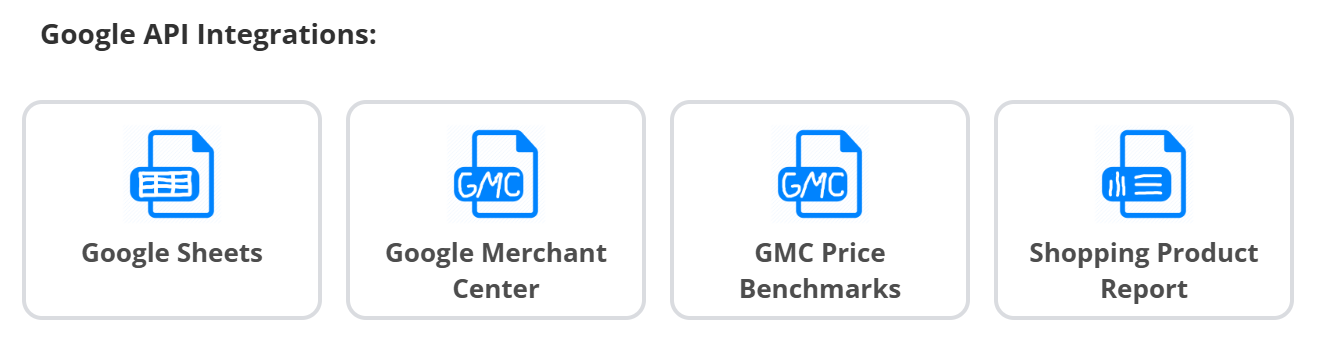
Google Sheets
Pick the Google drive login, the spreadsheet and the sheet. The first row becomes the field names. Good for manual data - margins, labels, seasonal flags - that you later join to the main catalog with a Combined Data Source or use in Shopping Labels.
Google Merchant Center
Pick the Merchant center login and the account. Your products come in exactly as Google sees them - useful when the shop has no usable file, or to build exports for other channels from the Google feed.
GMC Price Benchmarks
Merchant Center price benchmark data per product - how your price compares to the market. Combine it with your catalog to label or filter products by price position.
Shopping Product Report
A Google Ads performance report per product (clicks, cost, conversions, value). Join it to the catalog to build rules such as “exclude products with 200 clicks and no conversions”.
Google logins: click + MANAGE LOGINS on the screen if the list is empty, or add them in Integrations and press Refresh accounts.