
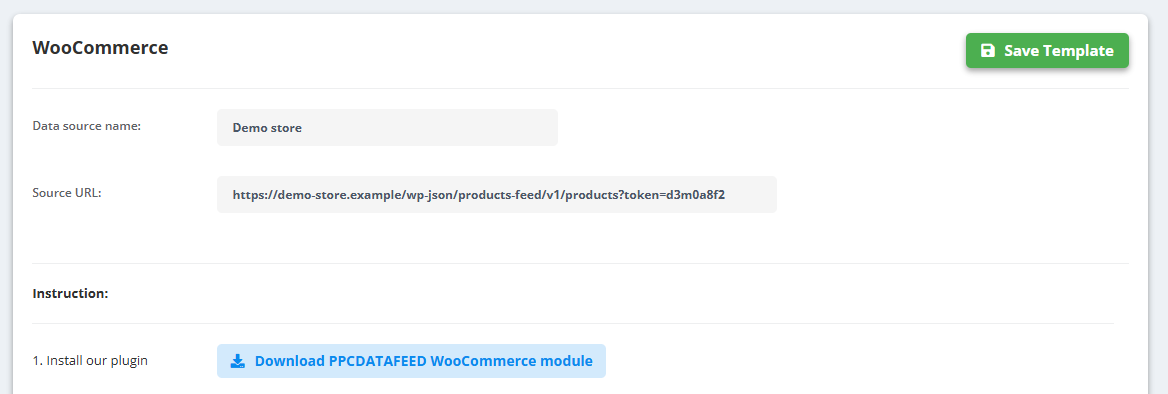
- Go to Data Sources → Create New Data Source and pick WooCommerce, PrestaShop or OpenCart.
- Follow the Instruction on the screen and download the module for your platform: Download PPCDATAFEED WooCommerce module, Download PPCDATAFEED PrestaShop module or Download PPCDATAFEED Module for OpenCart 3x (OpenCart 3.x).
- Install and activate the module in your shop admin.
- Copy the URL the module gives you into Source URL, enter a Data source name and click Save Template.
After saving, the data source has the same tabs as any other - Products, Categories, Rules, AI Optimizer, Edit, Schedule, Mapping and Sync history. The Edit tab is where you change the Source URL later.
If it does not work
- “Please enter source url!” - the Source URL is empty: copy the URL the module gives you in your shop admin.
- OpenCart: the module is for OpenCart 3.x (Download PPCDATAFEED Module for OpenCart 3x).
- Saved, but no products come in - open Sync history to see why: Why is my data source not updating?.