
Every new account starts with a 30-day trial. Nothing is charged during the trial and no card is needed to start.
Register
- Open app.ppcdatafeed.com/register.
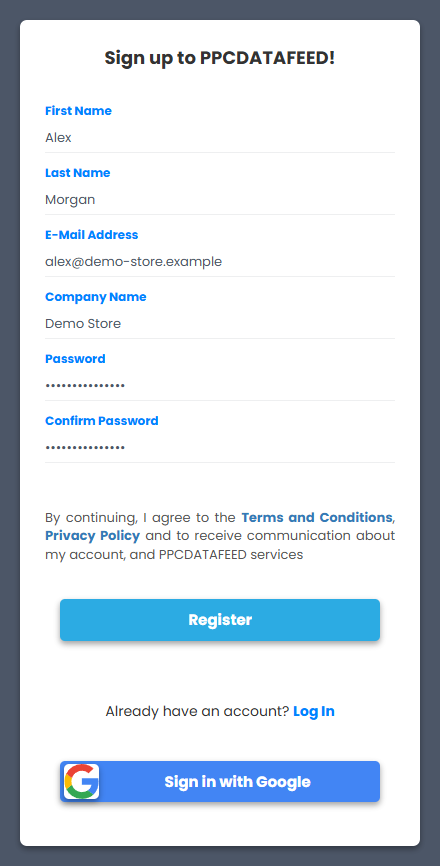
- Fill in First Name, Last Name, E-Mail Address, Company Name and the password twice - or click Sign in with Google to use your Google account.
- Click Register - by continuing you agree to the Terms and Conditions and the Privacy Policy.
- Check your inbox and confirm the email address (the link in the verification email).
What happens next
- You land in the app with an empty account. The left menu is where everything lives - see How the app is organised.
- The trial counts 30 days from registration. After that the account switches to the normal daily billing - see How billing works.
- Our team sets your first feeds up with you for free - write to info@ppcdatafeed.com or use the support widget in the bottom corner of the app.
Invited by a colleague? Use the link from the invitation email instead - it creates your user inside their company account.